
Made in Vancouver, Canada
Quotes, invoices and job tracking for contractors and tradespeople
Draft quotes with AI in minutes, invoice with GST and PST handled, and see which jobs actually make money. Built for small crews.
Renovators, handymen, electricians, plumbers, painters, landscapers, cleaners and more.
AI quote drafts
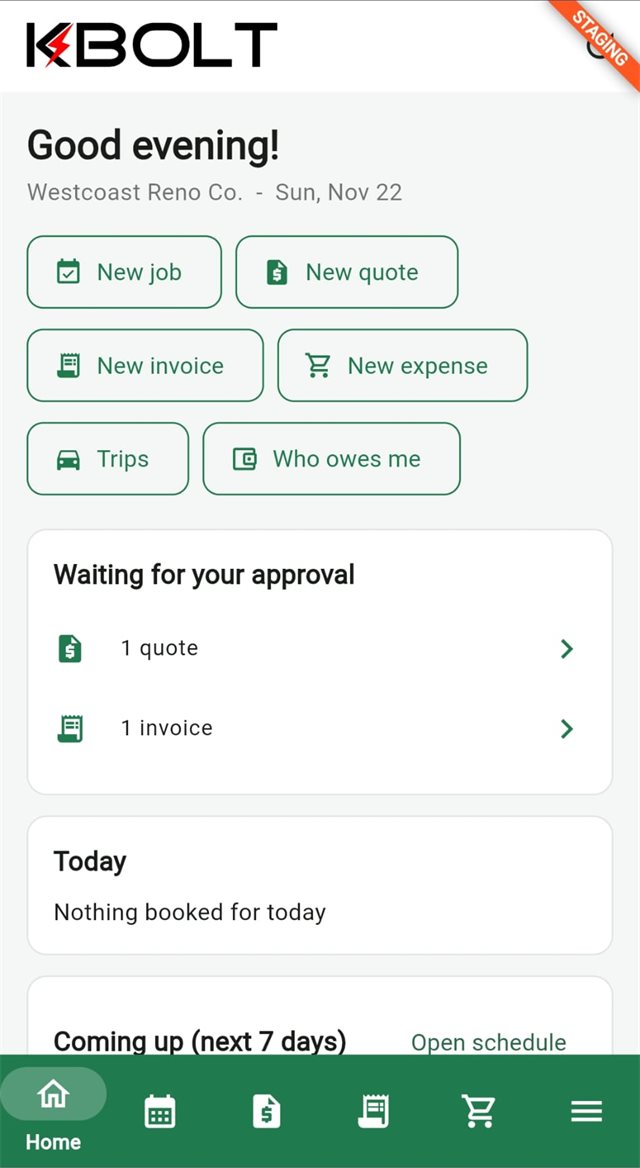
Describe the job. Get a draft quote in minutes.
Tell KBolt what the work involves, add measurements, and attach photos or a short video. The AI drafts the quote, and you review and adjust every line before anything goes to your client.
- Match the client's budget. Choose Budget, Standard or Premium, and the draft follows that level of materials and finishing.
- Priced for your area. Drafts reflect typical pricing for where you work, so you start from a realistic number.
- Photos and video. Add up to 8 pictures. A video is turned into still frames the AI can read.
- Maximum accuracy mode. For a complicated job, switch to the most capable AI model.
- You stay in control. Edit, approve, then send. Nothing goes out on its own.
AI drafts are a starting point, not a guarantee. Always check quantities and prices before you send.
Everything a small crew needs
Quotes with a clear path to yes
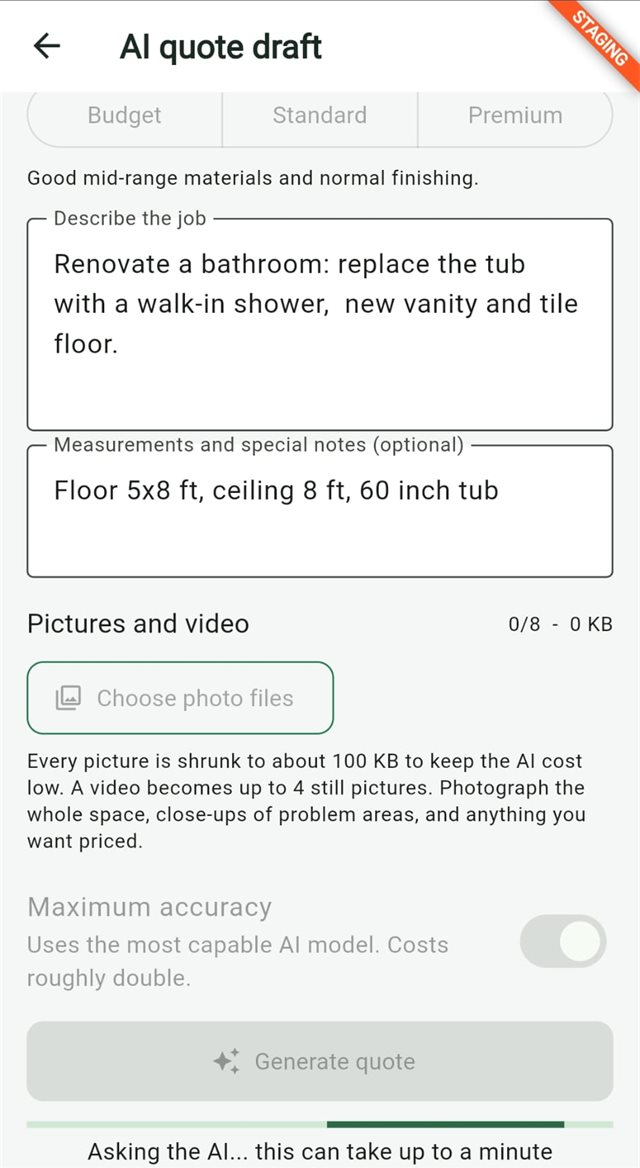
Track every quote from draft to accepted. Owners and admins can approve prices before a quote goes out, and you can see at a glance what is waiting for approval, sent, accepted or declined.
Invoices that follow the work
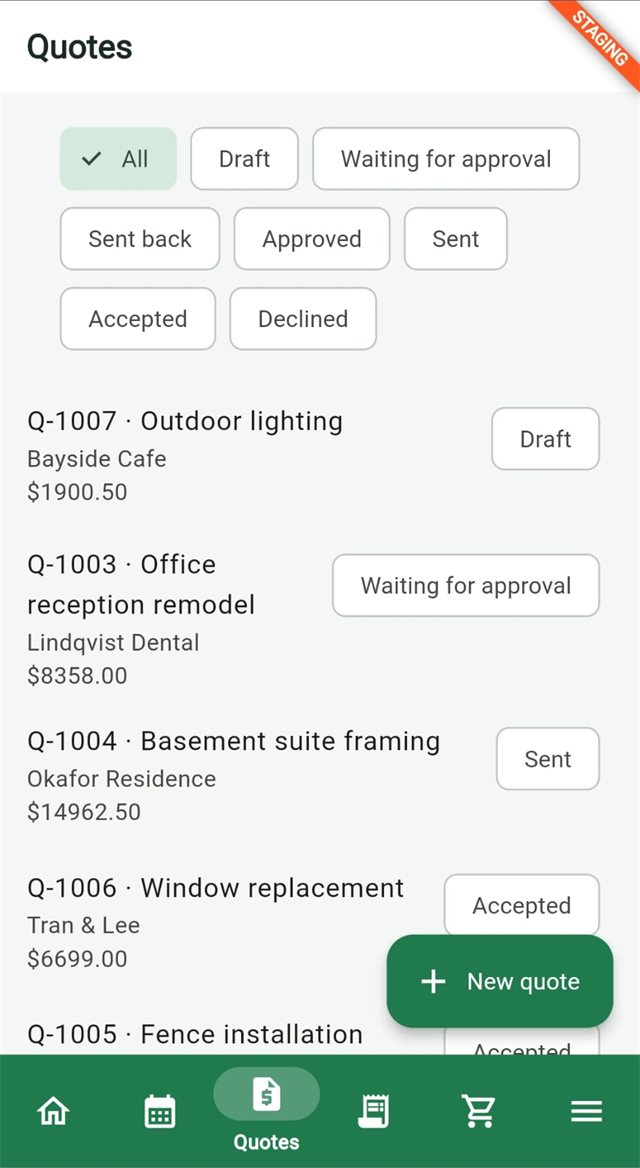
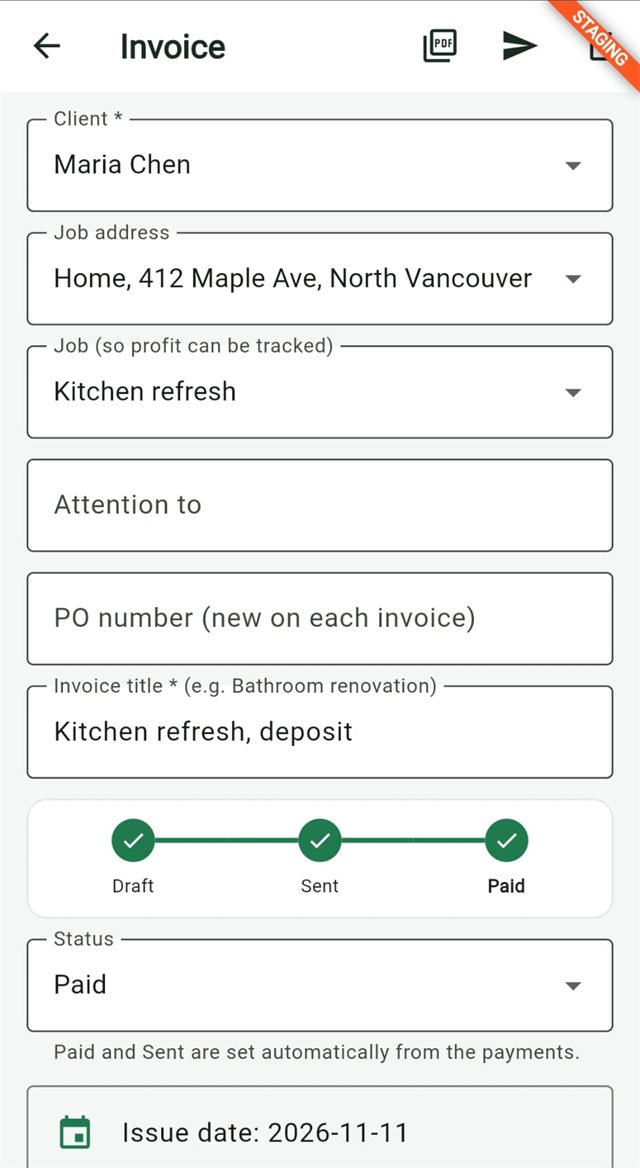
Items, GST and PST are calculated for you. Paid and Sent update themselves from the payments you record, so the list always shows what is really outstanding, including what is overdue.
Know which jobs make money
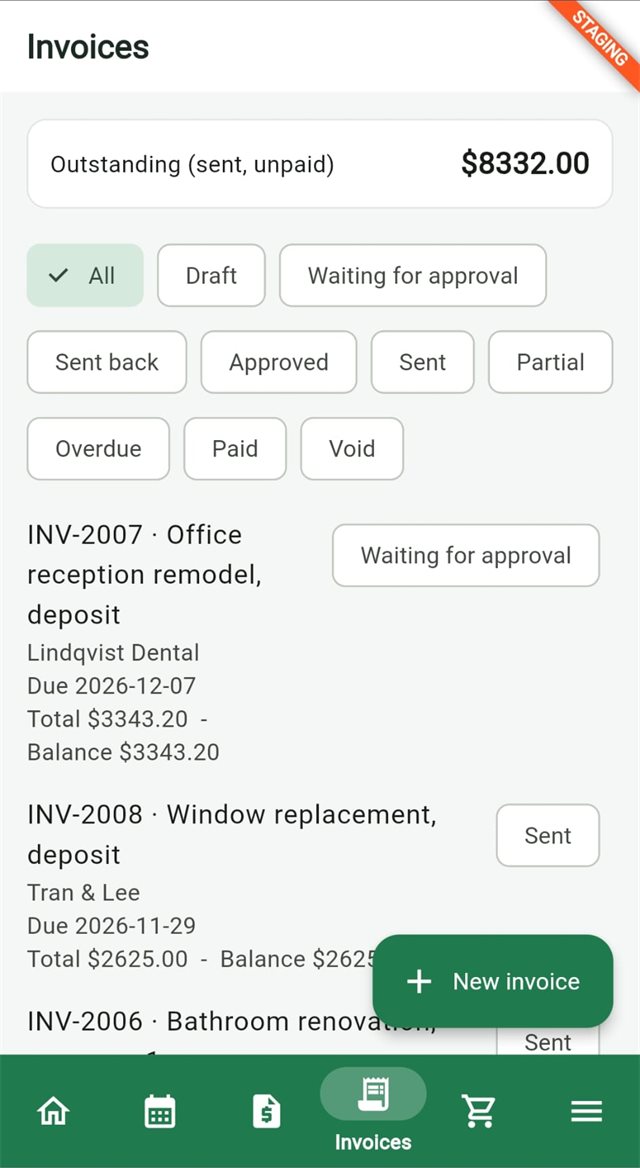
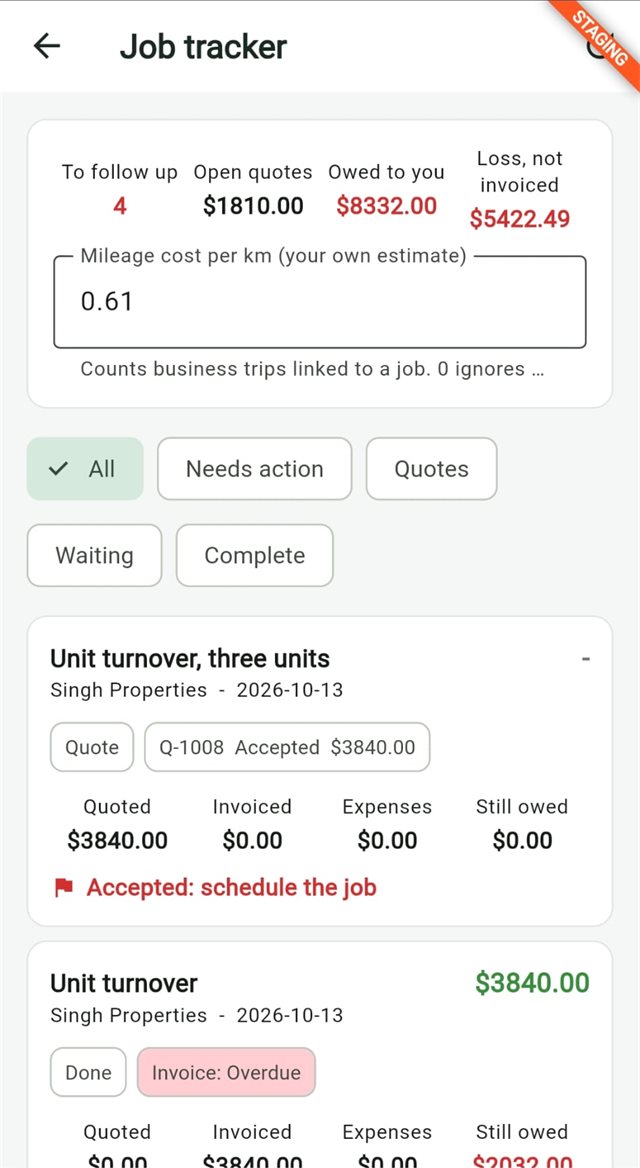
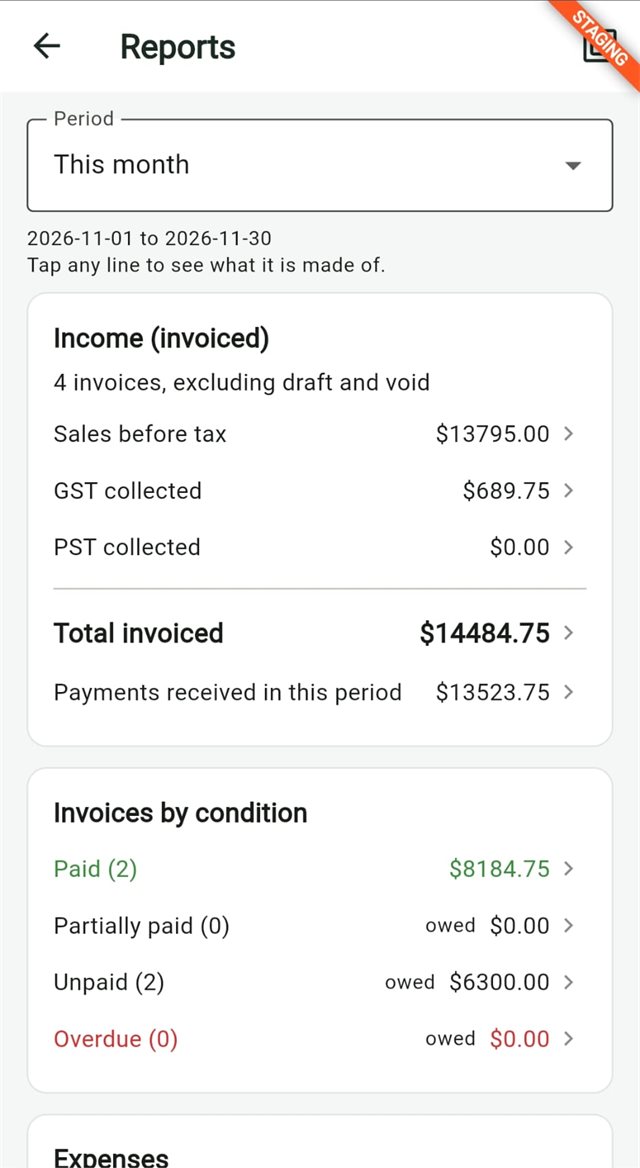
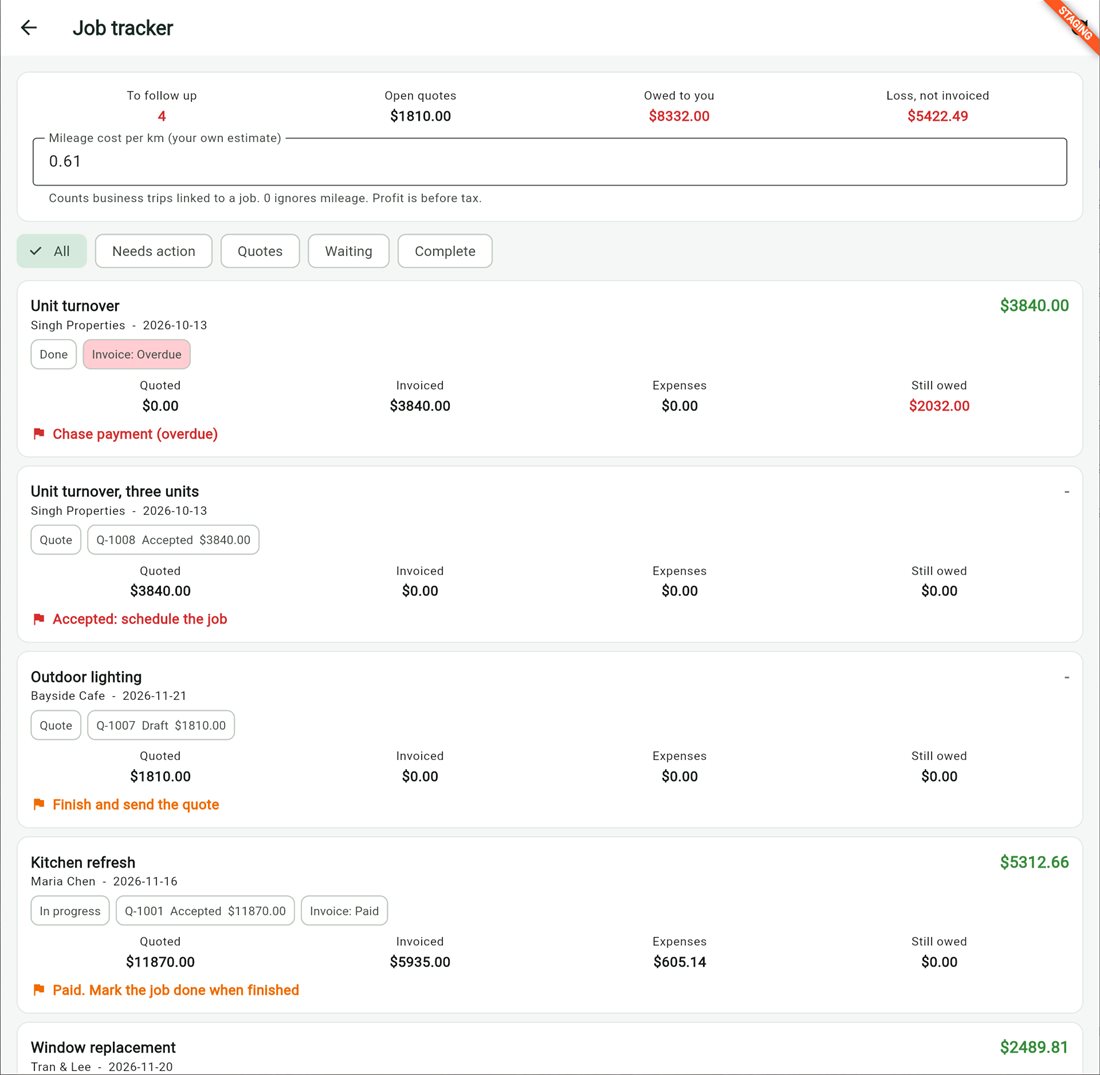
Every job brings its quote, invoices, expenses and mileage together, with a clear flag for what needs action next: chase a payment, send a quote, mark a job done. Reports show income, expenses and profit, and you can tap any line to see what it is made of.
GST at a glance
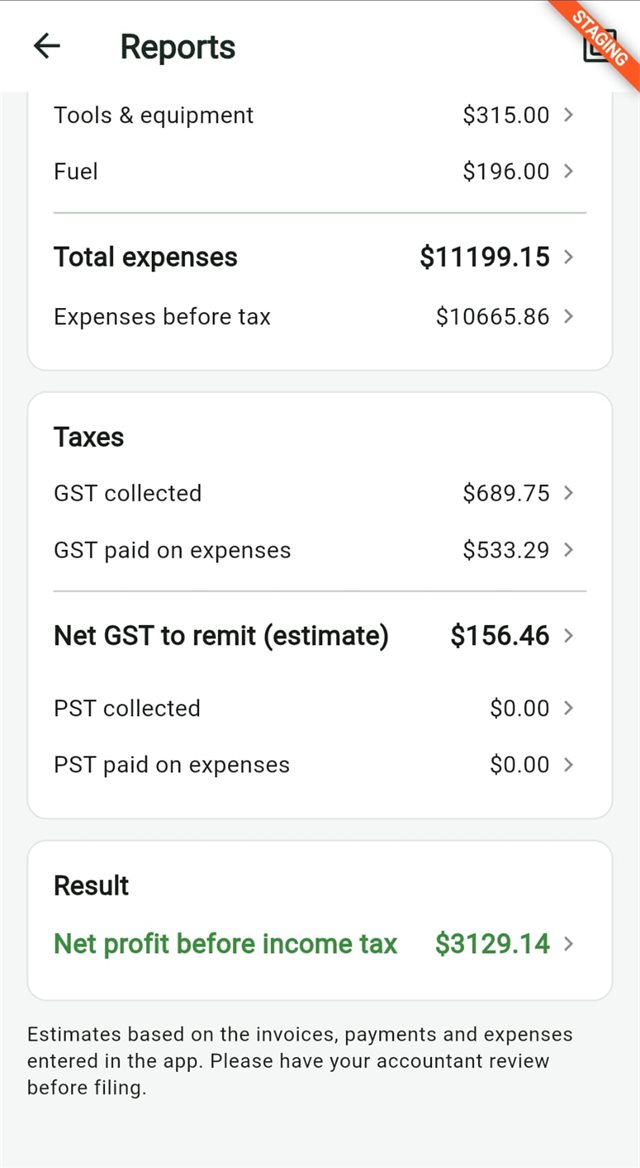
See GST collected, GST paid on your expenses and the estimated amount to remit, plus profit before income tax. These are estimates from what you enter in the app, so have your accountant review before filing.
Schedule and expenses in one place
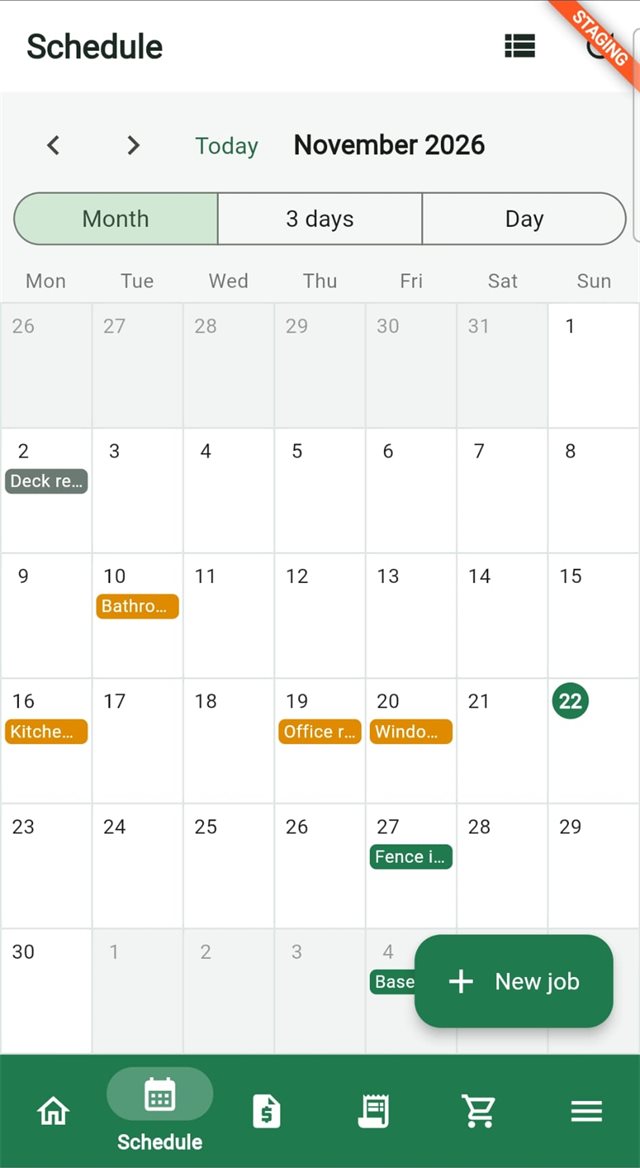
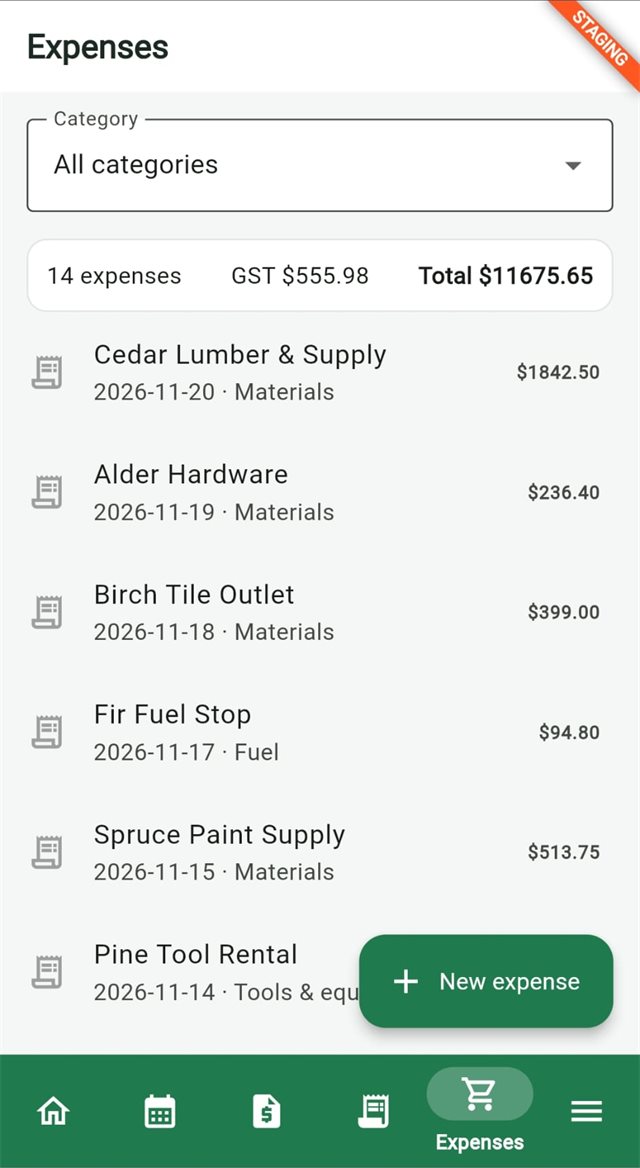
A month, three-day and day schedule for every job, and an expense log with categories and GST, so nothing gets lost in a glove box.
Built for crews
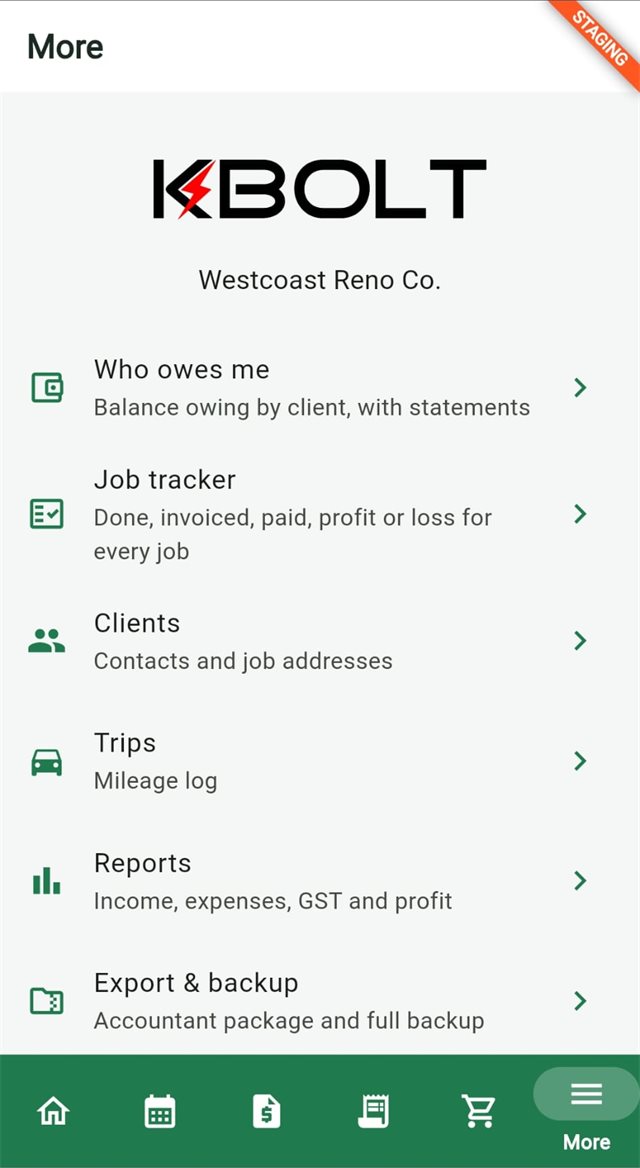
Invite your team and choose what each person may do. Owners can hand a company to someone else safely, and a clear activity log records the important changes.
Works on your computer too
The same KBolt, in any browser. Plan the week at your desk, and your crew sees it on their phones.
How it works
Quote
Describe the job, let the AI draft it, adjust it, and send it. An owner or admin can approve the prices first.
Do the job
Schedule it, log expenses and mileage, and keep the job's numbers in one place.
Invoice and get paid
Invoice with GST and PST handled, record payments, and chase what is overdue.
Ready to run a tighter business?
We are opening KBolt to a small group of crews first. Tell us about your business.
Ask for early access